1
Download this repository
- Manually: Download this repository and extract it.
- Using GIT: Run
git clone https://github.com/HirziDevs/PteroStats.gitin the command line.
2
Install dependencies and start the app/bot
Install required dependencies and start the app/bot.
- Using PM2
- Using nodejs-generic egg
Why use PM2?
- Run
npm installin the root directory of the app/bot files. - Install PM2 using
npm install -g pm2command. - Run
pm2 start index.js -n PteroStatsto start the app/bot.
3
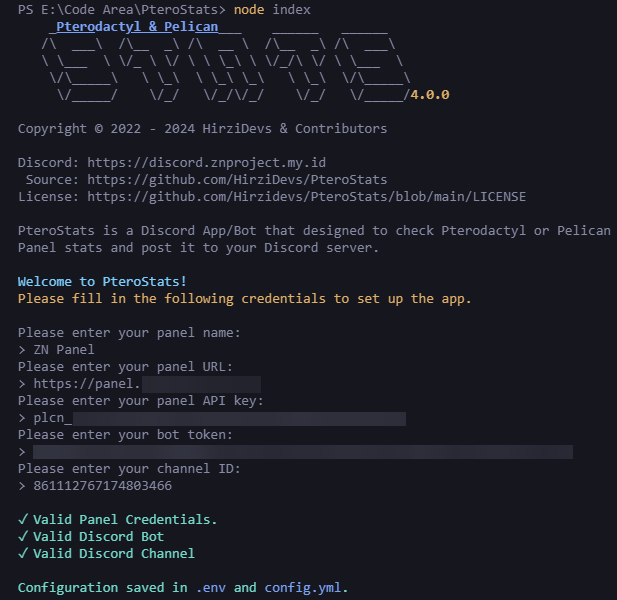
Set up the app/bot
Answer the prompted questions in the console to set up the app/bot.