
1
Delete the setup marker
In the PteroStats root directory, delete the
.setup-complete file.2
Restart and answer the prompts
Restart the server, then answer the setup questions in the console.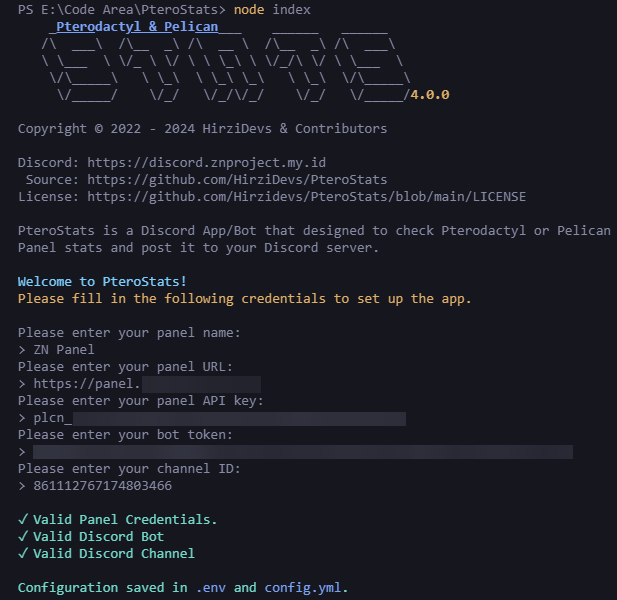 Need help with an answer?
On Docker, these values come from environment variables instead. Update them in
docker-compose.yml or your docker run command. See Install with Docker.