
Before you begin
- You need administrator access to your panel to view the node list.
- You need access to the PteroStats
config.ymlfile.
Find the node ID
1
Open the node list
In your panel’s admin area, open the node list and select the node you want to hide.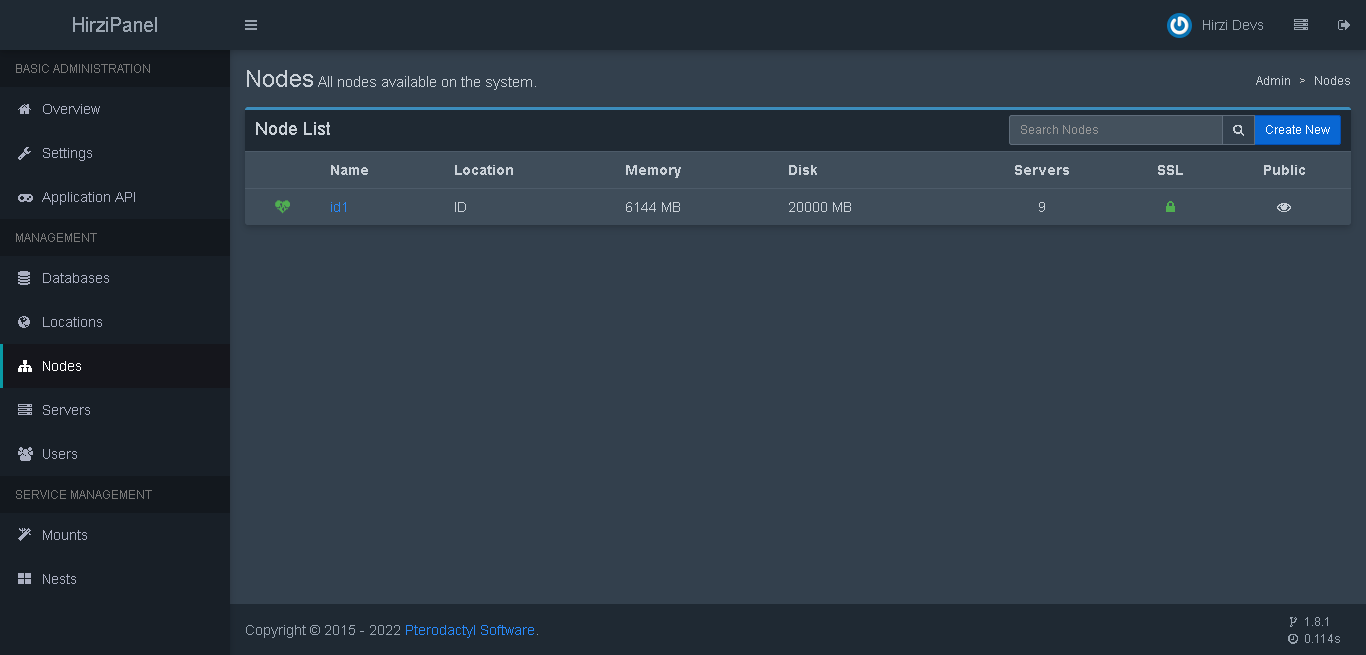
- Pterodactyl
- Pelican
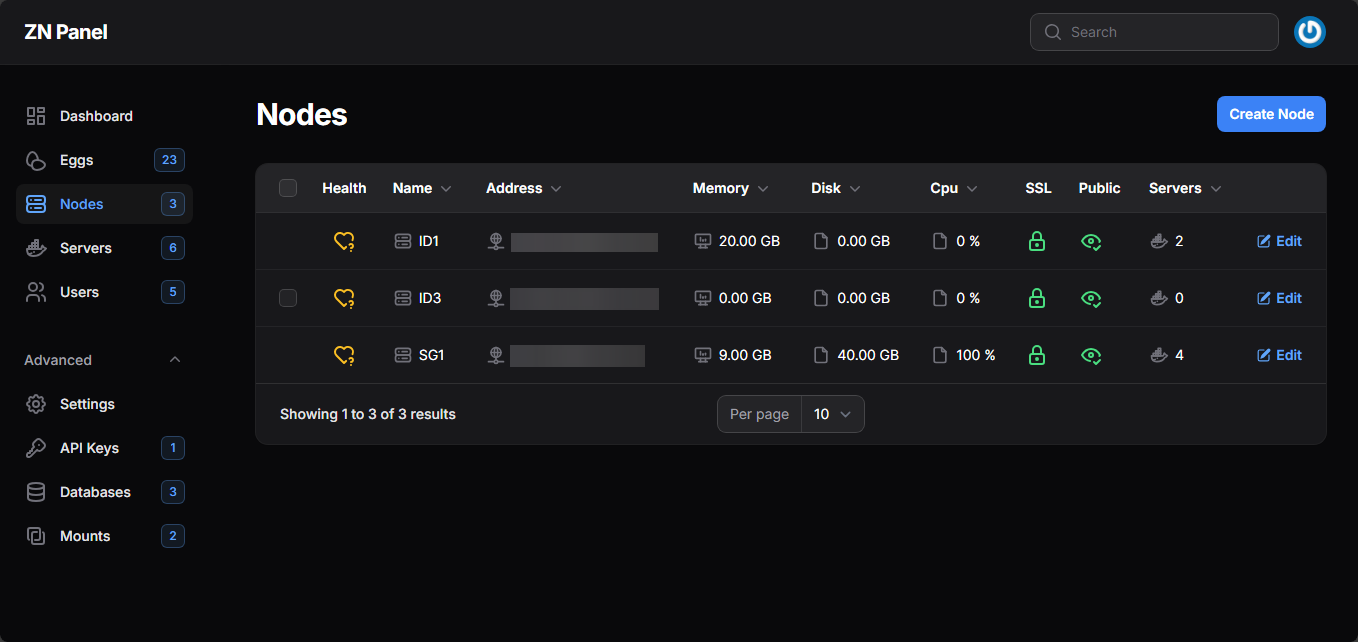
2
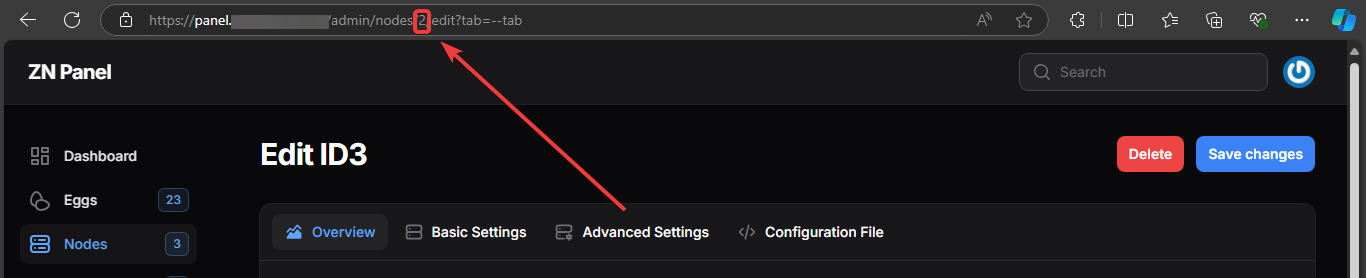
Copy the ID from the URL
The node ID is the number in the page URL. Copy it.
- Pterodactyl
- Pelican
Add the ID to the blacklist
1
Edit the config
Open 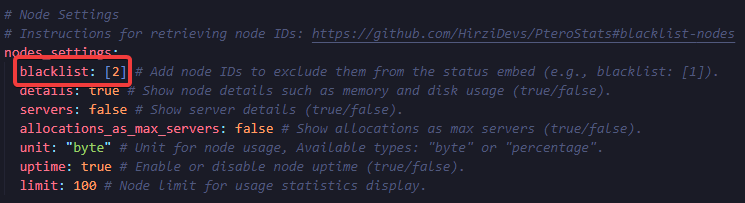
config.yml and add the node ID to blacklist under nodes_settings.config.yml
2
Restart PteroStats
Restart the app/bot so it loads the updated config.
Hide multiple nodes
Separate node IDs with commas to hide more than one node.config.yml
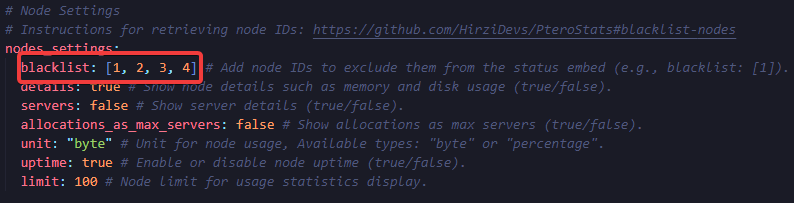
blacklist: [].