
:green_circle: Online and :red_circle: Offline by default. You can replace them with custom emoji from your Discord server.
The app/bot must be in the server that owns the emoji, or the emoji will not render.
Get the emoji ID
1
Type a backslash
In a channel on the server that has the emoji, type 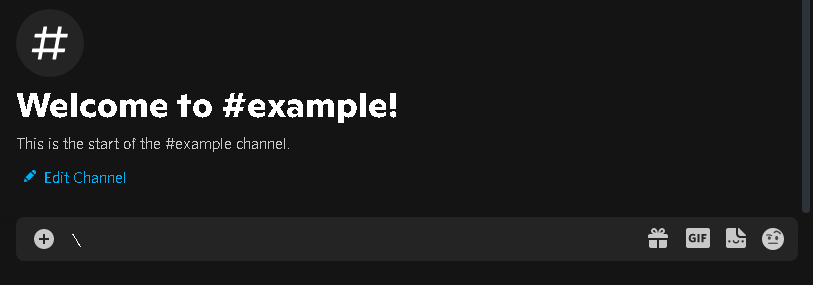
\.2
Pick the emoji
Select the custom emoji right after the backslash.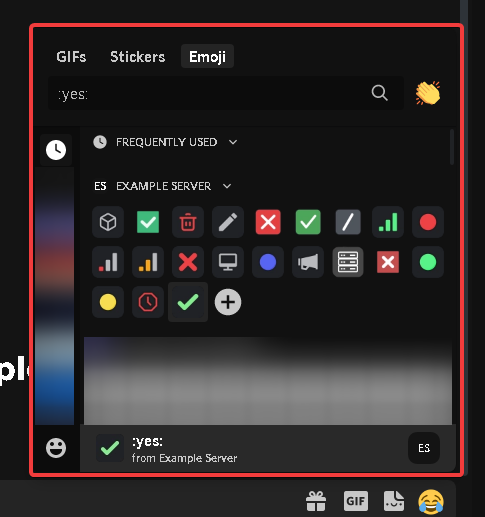
3
Copy the emoji code
Send the message. Discord shows the raw code, such as 
<:online:123456789012345678>. Copy it.Add it to the config
1
Edit the status messages
Open 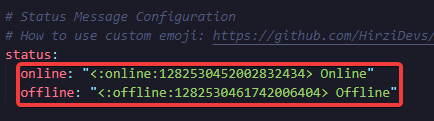
config.yml and paste the code into status.config.yml
2
Restart PteroStats
Restart the app/bot so it loads the updated config.